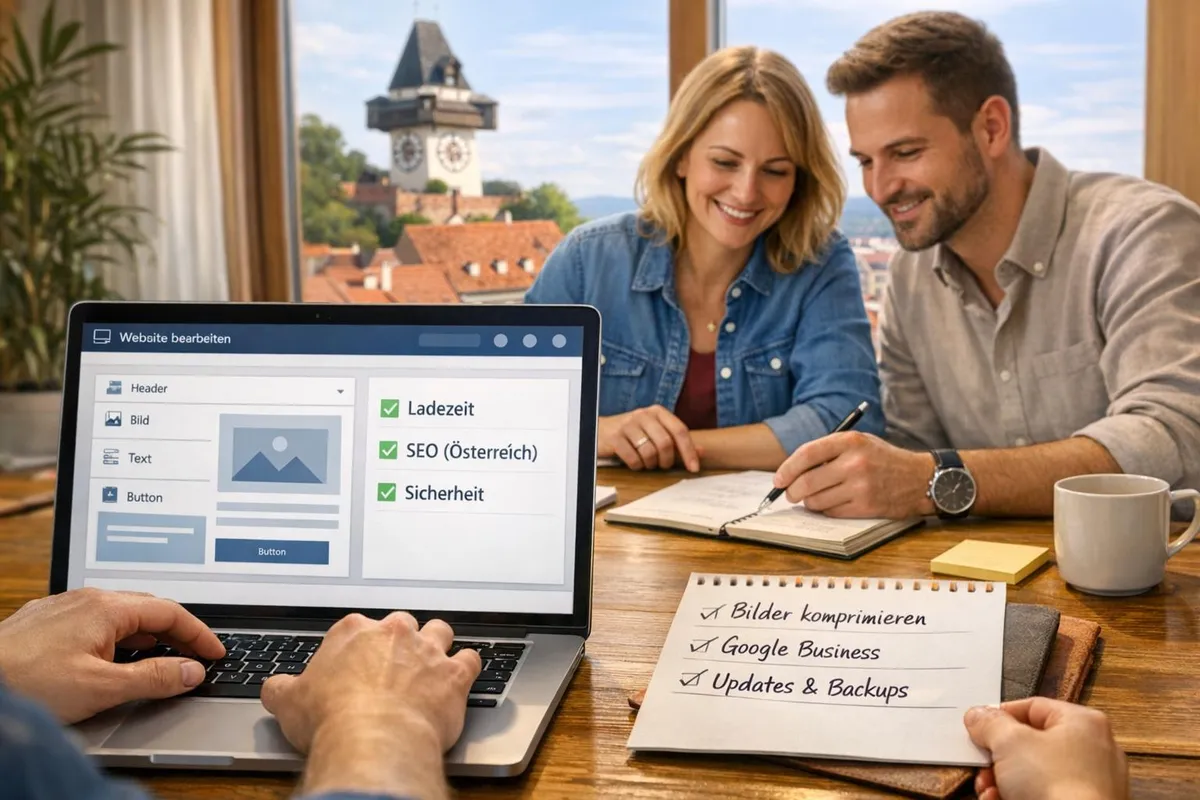
Branding with Wix: Step-by-Step Guide
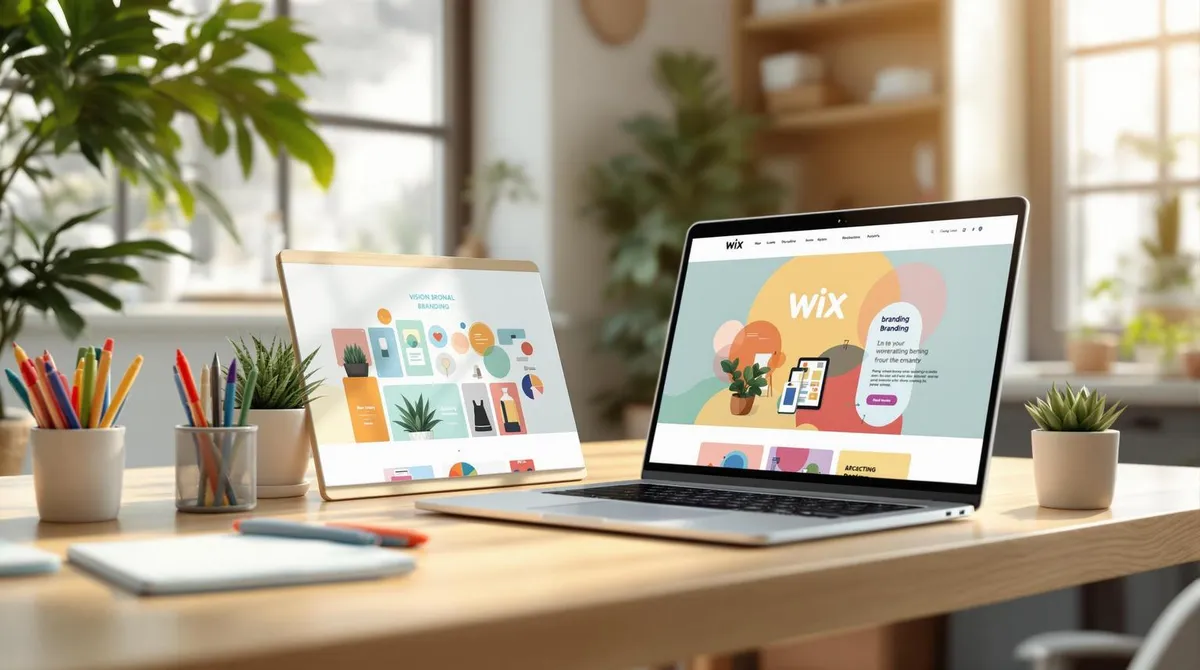
Branding with Wix made easy: With Wix, you can create a professional brand identity and website that appeals to your target audience in just a few steps. Here are the key steps:
- Create a Wix account: Sign up, choose the right plan, and start building your website.
- Develop visual branding: Use the Wix Logo Maker, colour palette tools, and fonts to create a consistent design.
- Design your website: Choose a template, customise it, and optimise it for mobile devices.
- Define your brand message: Write clear copy and integrate blogs as well as social media channels.
- Launch and maintain your website: Test functionality, optimise SEO, and update content regularly.
Create a Wix account: Sign up, choose the right plan, and start building your website.
Develop visual branding: Use the Wix Logo Maker, colour palette tools, and fonts to create a consistent design.
Design your website: Choose a template, customise it, and optimise it for mobile devices.
Define your brand message: Write clear copy and integrate blogs as well as social media channels.
Launch and maintain your website: Test functionality, optimise SEO, and update content regularly.
Quick overview:
| Step | Focus |
|---|---|
| Create Wix account | Registration, plan selection, secure domain |
| Develop branding | Logo, colours, typography |
| Design website | Templates, mobile design |
| Brand message | Content, blogs, social media |
| Maintenance & optimisation | SEO, updates, use analytics |
Step
Focus
Create Wix account
Registration, plan selection, secure domain
Develop branding
Logo, colours, typography
Design website
Templates, mobile design
Brand message
Content, blogs, social media
Maintenance & optimisation
SEO, updates, use analytics
With Wix and optional support, e.g. from Welle West Webdesign, you can present your brand online simply and effectively.
Step 1: Create Your Wix Account
To establish your brand identity online, start by creating a Wix account. It only takes a few steps to build your digital presence.
How to Set Up Your Account
Signing up for Wix is straightforward:
- Visit the Wix website and click "Get Started".
- Choose to register via email or sign up through Google or Facebook.
- Select the type of website you want to create.
Visit the Wix website and click "Get Started".
Choose to register via email or sign up through Google or Facebook.
Select the type of website you want to create.
After registration, you can start working with the website editor and the various branding tools right away.
Choosing the Right Wix Plan
Choosing the right plan plays an important role in your online presence. Here is an overview:
| Plan | Description |
|---|---|
| Value | Ideal for growing businesses – more features and larger storage space. |
| Business Unlimited | Perfect for professional business websites – including e-commerce, unlimited storage, and domain. |
Plan
Description
Value
Ideal for growing businesses – more features and larger storage space.
Business Unlimited
Perfect for professional business websites – including e-commerce, unlimited storage, and domain.
What should you consider?
- The size of your business and your goals.
- Whether you need e-commerce features.
- Your budget for online marketing.
The size of your business and your goals.
Whether you need e-commerce features.
Your budget for online marketing.
With a paid plan, you get your own domain, which strengthens your brand. Also remember to activate two-factor authentication and use automatic backups to secure your website.
Once you have selected the right plan, you can start creating your visual brand identity.
Step 2: Develop Your Visual Brand Identity
Your visual identity is the heart of your online presence. With Wix's tools, you can create a professional and consistent brand image that appeals to your target audience.
Choosing Colours and Typography
Use Wix's colour palette tool to create a harmonious colour palette:
| Colour element | Recommended number | Use case |
|---|---|---|
| Primary colour | 1–2 | Logo, headlines, buttons |
| Secondary colours | 2–3 | Accents, backgrounds |
| Neutral colours | 2–3 | Text, white space |
Colour element
Recommended number
Use case
Primary colour
1–2
Logo, headlines, buttons
Secondary colours
2–3
Accents, backgrounds
Neutral colours
2–3
Text, white space
Choose a maximum of two fonts: one for headings and one for body text. This keeps your design clean and easy to read.
Logo Design and Upload
The Wix Logo Maker helps you create a unique and professional logo. Pay attention to the following points:
- Use scalable file formats such as SVG or PNG.
- Create variants for different backgrounds so your logo is clearly visible everywhere.
Use scalable file formats such as SVG or PNG.
Create variants for different backgrounds so your logo is clearly visible everywhere.
Place your logo in the top left of your website – this strengthens recognition and creates a professional impression.
Consistent Website Design
With Wix's global design settings, you can manage and maintain your branding elements consistently:
- Design system: Set standards for spacing, image sizes, and buttons.
- Mobile optimisation: Check how your visual elements appear on different devices to ensure a mobile-friendly presentation.
- Consistent visual language: Use a consistent style for photos, graphics, and banners. For local businesses, e.g. in Carinthia or Austria, this can strengthen regional recognition.
Design system: Set standards for spacing, image sizes, and buttons.
Mobile optimisation: Check how your visual elements appear on different devices to ensure a mobile-friendly presentation.
Consistent visual language: Use a consistent style for photos, graphics, and banners. For local businesses, e.g. in Carinthia or Austria, this can strengthen regional recognition.
Avoid cluttered designs and make sure all elements work together. A clear and consistent visual identity is key to a professional online presence. Once this is in place, you can design your website.
Step 3: Design Your Brand Website
Choosing a Suitable Template
Find a template that perfectly reflects your industry and requirements. Use filters to discover templates specifically tailored to your business type. Pay particular attention to:
- Industry features: Make sure all important features are included.
- Design flexibility: Choose layouts that are easy to customise.
- Built-in tools: Check whether the required widgets and apps are already integrated.
Industry features: Make sure all important features are included.
Design flexibility: Choose layouts that are easy to customise.
Built-in tools: Check whether the required widgets and apps are already integrated.
Adding Brand Elements
After choosing a template, customise it individually. The Wix Design System helps you present your brand consistently:
- Store your brand colours in the global colour schemes.
- Use your fonts to ensure consistent typography throughout.
- Place your logo prominently in the header and footer.
Store your brand colours in the global colour schemes.
Use your fonts to ensure consistent typography throughout.
Place your logo prominently in the header and footer.
A consistent design strengthens your brand recognition. First create a main page that serves as a template for all other subpages.
Optimisation for Mobile Devices
A mobile-friendly website is essential nowadays. With the Wix Mobile Editor, you can adjust font sizes, buttons, and images specifically for smartphones. Test your website regularly on different devices to make sure everything works perfectly.
A well-thought-out template and mobile-optimised presentation ensure your brand is perceived as professional and consistent. Once your website is ready, you can focus on clearly formulating your brand message and strategically improving content.
Step 4: Develop Your Brand Message
Writing Website Content
Compelling website copy plays a key role in your brand identity. The tone of your texts should harmonise with your visual appearance to ensure a consistent brand experience.
Tips for effective website copy:
- Write in active language to present your Unique Selling Proposition (USP) clearly and directly.
- Match the writing style to your target audience.
- Use relevant keywords that fit naturally into the text.
Write in active language to present your Unique Selling Proposition (USP) clearly and directly.
Match the writing style to your target audience.
Use relevant keywords that fit naturally into the text.
Beyond the website, blogs can play an important role in conveying your brand message.
Blog Strategy
With a blog, such as Wix Blog, you can demonstrate your expertise and build trust with your target audience. A well-thought-out content strategy ensures your readers receive useful content regularly.
Elements of a successful blog strategy:
- Plan content with a content calendar to publish regularly.
- Optimise your posts for search engines to improve discoverability.
Plan content with a content calendar to publish regularly.
Optimise your posts for search engines to improve discoverability.
Connecting Through Social Media
Social media extends your brand message and helps spread it consistently across different platforms. With Wix, you can easily integrate social media profiles into your website.
- Choose suitable platforms: Focus on the channels your target audience prefers. Use Wix Social Media Icons or custom widgets to embed them.
- Synchronisation and integration: Automate sharing of blog content and embed social media feeds to keep your website lively and up to date.
Choose suitable platforms: Focus on the channels your target audience prefers. Use Wix Social Media Icons or custom widgets to embed them.
Synchronisation and integration: Automate sharing of blog content and embed social media feeds to keep your website lively and up to date.
Linking your social media channels with your website strengthens your online presence and ensures a consistent user experience.
Step 5: Website Launch and Updates
Pre-Launch Checklist
Before taking your Wix website live, you should go through a few crucial points:
Technical Functionality
- Test the website in all common browsers.
- Check that the mobile view is displayed correctly.
- Verify that all links work.
- Make sure contact forms function properly.
Test the website in all common browsers.
Check that the mobile view is displayed correctly.
Verify that all links work.
Make sure contact forms function properly.
SEO and Performance
- Use the Wix SEO Wiz to optimise your website and check the meta descriptions for each page.
- Compress images to improve loading times.
- Activate the SSL certificate to keep your website secure.
Use the Wix SEO Wiz to optimise your website and check the meta descriptions for each page.
Compress images to improve loading times.
Activate the SSL certificate to keep your website secure.
After launch, the work is not done – regular maintenance is essential to keep your website current and effective.
Regular Website Updates
To present your brand successfully over the long term, you should maintain your website regularly. A structured maintenance plan can help:
| Period | Tasks |
|---|---|
| Weekly | Update content |
| Monthly | SEO adjustments, performance checks |
| Quarterly | Design review, functionality tests |
Period
Tasks
Weekly
Update content
Monthly
SEO adjustments, performance checks
Quarterly
Design review, functionality tests
Wix Analytics is a useful tool for monitoring visitor numbers, time on site, and conversion rates. Use this data to make adjustments that make your website even more effective.
If maintaining your website takes too much time, there are also professional solutions that can handle this work for you.
Welle West Webdesign Services
For businesses in Carinthia, Welle West Webdesign offers professional support in designing and maintaining your Wix website. Starting at EUR 1,900 for a standard website, the experts help you present your brand optimally in the digital space.
"Regular maintenance and optimisation ensure the long-term success of your website." - Nicolas Fabjan, Welle West Webdesign
Conclusion: Branding Summary
Overview of Key Steps
Branding with Wix follows five clearly defined phases:
| Phase | Key Elements |
|---|---|
| Foundations | Professional account setup |
| Visual branding | Building a consistent brand identity |
| Website design | User-friendly and responsive layout |
| Content strategy | Targeted brand message communication |
| Launch & maintenance | Regular optimisation and updates |
Phase
Key Elements
Foundations
Professional account setup
Visual branding
Building a consistent brand identity
Website design
User-friendly and responsive layout
Content strategy
Targeted brand message communication
Launch & maintenance
Regular optimisation and updates
These phases form the basis for a successful brand strategy with Wix.
Getting Started Guide
Once you understand the key phases of branding, you can get started with the following steps:
Get started
- Choose a suitable Wix plan.
- Use the Wix Logo Maker to create a professional brand design.
- Develop a consistent visual identity for your brand.
Choose a suitable Wix plan.
Use the Wix Logo Maker to create a professional brand design.
Develop a consistent visual identity for your brand.
Professional Support Businesses in Austria can draw on the expertise of Welle West Webdesign. Starting at EUR 1,900 for a standard website, you receive a tailored solution that addresses all important aspects of branding.
Regular SEO adjustments, social media integration, and the use of Wix Analytics are essential for long-term success. These measures create a strong foundation for your digital presence.
Effective branding with Wix requires constant attention and consistency. With the right tools and, where necessary, professional support, you can build a digital brand presence that sustainably strengthens your business.
FAQs
How do you use the Wix Logo Maker?
The Wix Logo Maker guides you to a custom logo in just a few steps:
- Enter your company name and industry to create the basis for your design.
- Describe the style of your brand and choose a preferred design.
- Adjust colours and fonts to your preferences.
- Select one of the suggestions and make final changes.
Enter your company name and industry to create the basis for your design.
Describe the style of your brand and choose a preferred design.
Adjust colours and fonts to your preferences.
Select one of the suggestions and make final changes.
How do I ensure brand consistency?
A consistent brand identity is created by combining these three areas:
| Area | Key Elements |
|---|---|
| Design & content | Logo, colour palette, fonts, style |
| Technical implementation | Mobile adaptation, fast loading times |
| Marketing & communication | Consistent messages across all channels |
Area
Key Elements
Design & content
Logo, colour palette, fonts, style
Technical implementation
Mobile adaptation, fast loading times
Marketing & communication
Consistent messages across all channels
What SEO tools does Wix offer?
Wix supports your SEO efforts with these tools:
- Automatic sitemap creation
- Keyword analysis and integration
- Website performance monitoring
- Mobile device optimisation
- Link and button checking
- Loading time improvements
Automatic sitemap creation
Keyword analysis and integration
Website performance monitoring
Mobile device optimisation
Link and button checking
Loading time improvements
How do I integrate social media?
For a strong social media presence, you can use the following features:
- Display social media feeds directly on your website.
- Synchronise posts automatically.
- Add social media icons to the header or footer.
Display social media feeds directly on your website.
Synchronise posts automatically.
Add social media icons to the header or footer.
These FAQs help you implement the branding steps described above with Wix in a targeted manner.