SEO Monitoring with Wix: 7 Tips

SEO is crucial for the success of your Wix website. With the right tools and strategies, you can increase the visibility of your site and attract more visitors. Here are the key measures you can implement right away:
- Wix SEO Wiz: Set up and optimise the fundamentals of your SEO strategy.
- Meta tags & URLs: Regularly update titles, descriptions, and URLs.
- Structured data: Help search engines better understand your content.
- Loading speed: Check and improve your website's performance.
- Google tools: Connect Google Analytics and the Search Console.
- Regular SEO checks: Identify and fix weaknesses early.
- Mobile optimisation: Ensure your website works flawlessly on smartphones.
Why is this important? 88% of users do not return after a bad experience. With these tips, you not only improve your ranking but also the user experience. Start with the red areas in the Wix SEO Wiz and optimise step by step.
WIX SEO WIZ | Tutorial | Wix.com Academy
1. Set Up the Wix SEO Wiz
The Wix SEO Wiz is a central tool for improving the fundamentals of your SEO strategy. You can find it in the dashboard under "Marketing & SEO" → "SEO Tools" → "Get Found on Google".
Here is how to use the SEO Wiz optimally:
- Initial setup: Enter your main keywords and your business name. Based on this, the SEO Wiz creates an individual plan. Use regional keywords to increase your visibility in your area.
- Checklist optimisation: The SEO Wiz provides a clear checklist. It covers titles, meta descriptions, headings, alt texts, internal linking, and mobile optimisation. These items form the basis of your SEO efforts.
- Progress tracking: In the dashboard, you can track your progress in percentage. A traffic light system indicates where improvements are needed. Work through these items step by step to optimise your most important pages.
Practical tip: Start by optimising your key pages, such as the homepage and main categories. Focus first on the "red" areas in the SEO assessment, as these offer the greatest potential for improvement. With this foundation, you create a solid base for advanced SEO strategies.
2. Update Meta Tags and URLs
After setting up the SEO Wiz, you should regularly review and adjust your meta tags and URLs to achieve good results in the long term. With Wix, you can manage these elements directly in the dashboard.
Optimising Meta Titles
- Open the Page Manager under "Marketing & SEO" → "SEO Settings".
- Select the page you want to edit.
- Keep the title between 50 and 60 characters.
- Place your main keyword as close to the beginning as possible.
- Add your company name at the end, separated by a hyphen.
Once the title is optimised, turn your attention to the meta descriptions.
Adjusting Meta Descriptions
- Write an individual description for each page (140–160 characters).
- Integrate your main keyword naturally into the text.
- Use a clear call-to-action to motivate users.
- Avoid duplicate descriptions across different pages.
Optimising URLs
- Go to "Edit URL" in the page settings.
- Use short, descriptive slugs with your main keyword.
- Separate words with hyphens (e.g. ).
- Avoid special characters and keep the URL as short as possible.
- Replace umlauts with ae, oe, or ue.
Tip: Review your meta tags at least every three months. Adjust them to seasonal offers or new content so they always remain current. A clearly structured URL helps not only search engines but also your users navigate more easily.
With these measures, you create a solid foundation for your SEO strategy that goes beyond technical aspects such as loading speed or structured data.
3. Add Structured Data
After optimising meta tags and URLs, structured data can complement your technical SEO strategy. With Wix, you can set these up directly in the dashboard to enable search engines to better interpret your content.
How to Add Structured Data
- Activate Schema Markup
Go to "Marketing & SEO" in the Wix dashboard and select the "Structured Data" section under "SEO Tools". There you can add various schema types:
- Information about your organisation
- Local business details
- Product information
- FAQ markup
- Event details
- Configure Data
Fill in the relevant fields carefully so that search engines correctly understand your content:
- Your complete address
- Opening hours
- Contact information
- Product prices and availability
- Reviews, if available
Optimise Rich Snippets
To be more visible in search results, you should optimise these areas:
- Product pages: Prices, availability, and reviews
- Events: Date, time, and location
- Articles: Author as well as publication and modification date
- FAQ pages: Clear questions and answers
Perform Validation
Use the Rich Results Test Tool in Google Search Console. Enter your URL, check the results, and fix any errors directly in the Wix dashboard.
Note: Update your structured data at least every three months or whenever significant business information changes.
4. Check Loading Speed
Loading speed is a critical factor for SEO. Studies show that 88% of visitors leave a website if it takes too long to load.
Using Wix Performance Tools
In the Wix dashboard, you will find the "Site Performance" area under "Marketing & SEO". There you can:
- Analyse the loading time of your pages,
- Identify potential weaknesses, and
- Implement specific suggestions for improvement.
Key Optimisation Measures
- Compress images: Reduce the file size of your images without compromising quality. Wix automatically handles optimisation for different screen sizes.
- Activate browser caching: Store static content in the browser so returning visitors can load your page faster.
- Optimise code: Wix automatically minifies CSS, JavaScript, and HTML to improve loading times.
A global CDN additionally ensures your website responds faster.
Content Delivery Network (CDN)
Wix uses a global CDN that distributes your content across multiple servers worldwide. This means visitors benefit from short loading times regardless of their region.
Tip: Regularly check your website's performance, ideally once a month, and fix identified issues immediately.
5. Connect Google Tools
To comprehensively monitor your SEO performance, Google tools are a must. Integrating these tools provides useful insights into your website's performance.
Setting Up Google Analytics
In the Wix dashboard, you will find the "Google Analytics" option under "Marketing & SEO". Here is how to set it up:
- Connect your Google account.
- Create a new property for your website.
- The tracking code is automatically inserted.
After setting up Google Analytics, you can expand the data foundation with Google Search Console.
Activating Google Search Console
The Search Console provides important data for your SEO strategy. Here is how to connect it with Wix:
- Verify ownership of your domain.
- Submit the automatically generated XML sitemap.
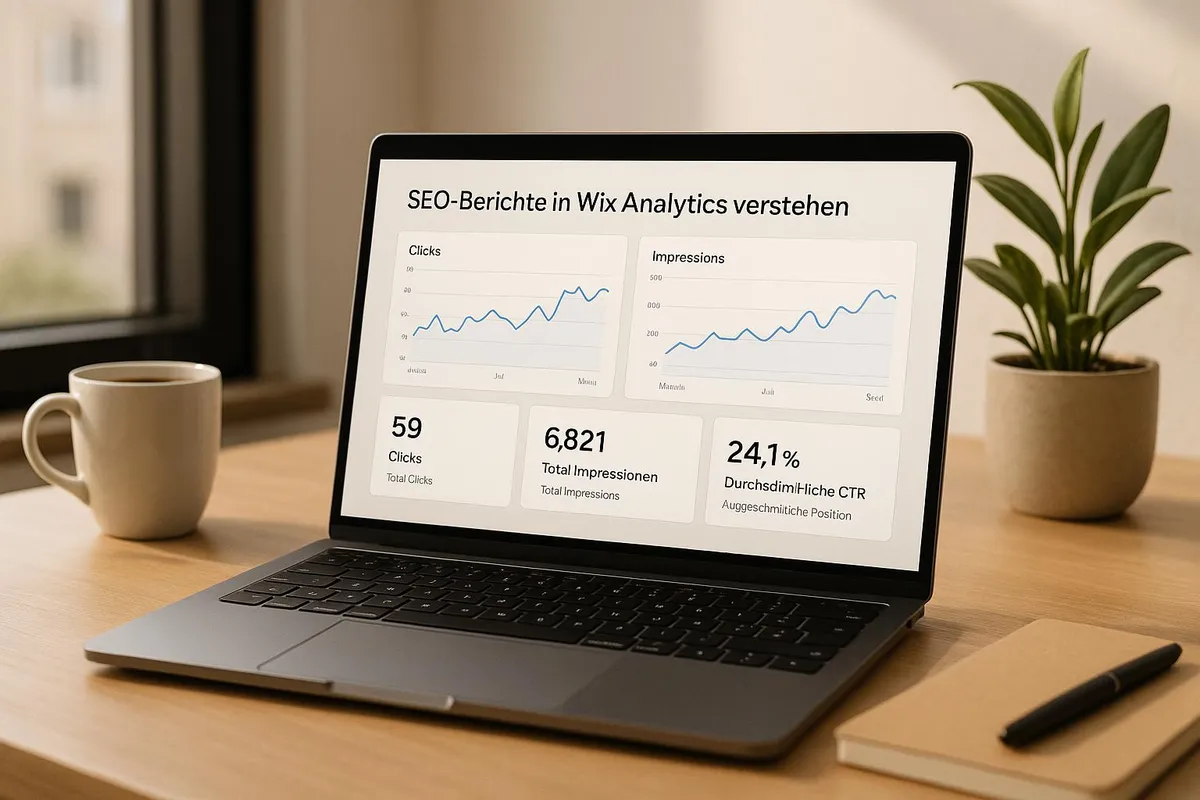
- Monitor rankings and click-through rates to keep track of your website's performance.
Keeping Key Metrics in View
Pay particular attention to these metrics to improve your SEO strategy:
MetricMeaningOptimisation OptionsVisitors from organic search resultsNumber of users via search enginesAdjust keywords and contentAverage PositionPlacement in search resultsImprove content and structureBounce RateUsers leave the page immediatelyOptimise user experience
Setting Up Automated Reports
Create monthly reports to keep track of important data:
- Search performance
- Technical issues
- Indexing status
- Mobile usability
These reports help you identify SEO problems early and address them in a targeted manner. Review the data at least weekly to respond to changes in a timely manner.
6. Conduct SEO Checks
Regular SEO checks are essential for identifying technical and content weaknesses early. With Wix's tools, you can systematically identify and prioritise improvement opportunities.
Automated SEO Audit
Under "Marketing & SEO" → "SEO Tools", you can start an automated analysis of your website. The following areas are reviewed:
Audit AreaElements to CheckReview FrequencyTechnical FoundationSSL certificate, Robots.txt, XML SitemapMonthlyContent QualityMeta descriptions, headings, image optimisationEvery 2 weeksPerformanceLoading times, Core Web Vitals, mobile optimisationWeekly
Manual SEO Checks
Automated audits are helpful, but manual checks provide additional assurance. Pay attention to:
- Links: Regularly check internal and external links for functionality.
- Images: Verify that alt texts are present and images are correctly compressed.
- URLs: Ensure URLs are logically structured and user-friendly.
These manual checks enable you to address problems specifically and make your website more user-friendly.
Prioritising and Resolving Issues
Identified problems should be prioritised according to urgency:
- Critical errors (e.g. invalid SSL certificates): Fix immediately.
- Important optimisations (e.g. missing meta descriptions): Implement within one week.
- Minor adjustments (e.g. missing alt texts): Address gradually.
A clear plan helps you proceed efficiently and not overlook important items.
Creating an SEO Monitoring Plan
A structured plan ensures that no important SEO tasks are forgotten. Your plan could look like this:
Time IntervalAudit TasksResponsibilityDailyIndexing status, technical warningsWebsite operatorWeeklyPerformance metrics, content updatesSEO managerMonthlyComprehensive SEO analysis, competitor comparisonMarketing team
Document all results of your checks. This enables you to identify trends and continuously improve your SEO strategy.
If you need professional support, Welle West Webdesign – the leading Wix agency in Villach and Carinthia – is happy to assist. They help you implement your SEO strategy effectively.
7. Make Your Website Mobile-Friendly
Ensure your Wix website functions flawlessly on mobile devices. Use Wix's integrated tools to adapt the layout and performance in a targeted manner.