Voice Search SEO for Wix Shops: Step-by-Step Guide
Voice search is becoming increasingly important – including for Wix shops. With targeted adjustments, you can improve your online presence, reach more customers, and increase your revenue. Here are the key steps to optimise your Wix shop for voice search: Lay the technical foundations: Use the Wix SEO Wiz, integrate Schema Markup, and improve the loading times of your mobile website.
Keywords for voice search: Focus on natural, conversational search terms and local keywords such as "near me". Optimise content: Structure FAQ sections clearly and use natural language in meta data and product descriptions. Monitor performance: Use tools like the Google Search Console to analyse rankings, CTR, and impressions.
Why this matters: 80% of customers research online before buying, and 88% do not return if the user experience is poor. With these measures, you make your Wix shop fit for the future of voice search.
Related YouTube Video – Technical Setup for Voice Search
Optimise your Wix shop for voice searches in three steps: Wix SEO Wiz: Setup steps. The Wix SEO Wiz helps you make your shop search engine friendly and optimise it for voice searches.
Activate basic SEO settings: Go to the SEO Wiz in the dashboard, select "Business/E-Commerce" as the website type, and enter your main product categories. Customise metadata: Create short and concise page titles (60-70 characters) and write meta descriptions in natural language (150-160 characters). Do not forget to include voice search keywords.
Configure local SEO settings: Enter your complete business address and activate the Google My Business integration. These steps lay the foundation for a successful voice search strategy.
Using Schema Markup
Structured data is important for voice searches. Wix offers predefined schema markups that you can use directly: Schema Type Application Important Attributes Product Product pages Price, availability, reviews LocalBusiness Contact pages Opening hours, address, phone FAQPage FAQ sections Questions, answers. Use the Google Rich Results Test tool to check your markups.
The Product schema in particular is indispensable for voice-based product searches.
Improving Mobile Loading Times
Since voice searches are mostly carried out on mobile devices, fast loading times are crucial: Optimise images: Use the Wix image optimisation tool to increase loading speed. Activate caching: Switch on automatic caching under "Site Speed".
Review apps: Remove unnecessary Wix apps to reduce loading time. These adjustments improve your shop's performance and make it ready for voice searches. Next, we turn to selecting the best keywords for voice search.
Voice Search Keywords
With the technical foundations in place, it is now time to focus on keyword strategy.
To improve the visibility of your Wix shop in voice searches in your region, you should focus on locally relevant keywords. This method helps you target customers specifically in your area. Here you will learn how to reach potential buyers with locally oriented search terms.
Local Search Terms
For effective voice search optimisation, you should prioritise locally relevant keywords: Include place names and districts: Mention specific regions, districts, or neighbourhoods that appeal to your target audience. Use phrases for regional proximity: Terms like "near" or "in the vicinity of" can better cover search queries with a local reference. Consider regional spellings: Use typical designations, e.g. for locations like Carinthia or Villach. The targeted use of such local terms can significantly improve the discoverability of your Wix shop in voice searches.
Content for Voice Search
Adapt the content of your Wix shop to the requirements of voice search by using natural language and clear structures.
Voice assistants need to quickly capture and relay information.
Structuring FAQ Content Effectively
A well-structured FAQ section is particularly helpful for voice search. Phrase the questions as your customers would actually ask them. Tips for FAQ structure: Use complete sentences for the questions.
Provide a short and precise answer directly in the first paragraph. Add relevant cross-references at the end. Example of an FAQ question: Question: "How long does delivery to Austria take?" Answer: "Standard delivery to Austria typically takes 2-3 working days."
Optimising Meta Data
In addition to well-structured FAQs, optimised meta data is an important factor for voice search. Pay attention to the following points: Meta title: Formulate natural and concise titles with a maximum of 60 characters. Meta descriptions: Write complete sentences with a length of 120 to 156 characters.
Alt texts: Describe images in natural language. Meta Element Recommended Length Example Meta Title 50-60 characters "Handcrafted Leather Bags from Carinthia – Order Online" Meta Description 120-156 characters "Discover our high-quality leather bags, handcrafted in Carinthia. Free shipping from EUR 75." Alt Text 80-100 characters "Brown leather bag made from full-grain leather with shoulder strap and metal clasp"
Designing Voice-Friendly Navigation
Navigation that is tailored to voice search should be clear and logically structured. The following elements are important: Clear category names in the main navigation (maximum 7 items). Descriptive URLs, e.g. "/women/bags/leather". Maximum click depth of 3 levels. Breadcrumb navigation to help users orient themselves. Hierarchical heading structure from H1 to H4. These measures not only improve voice search but also ensure better user-friendliness in your Wix shop.
Tracking Voice Search Results
To precisely measure the performance of voice searches, specialised tools that deliver accurate data are required.
Setting Up Google Search Console
The Google Search Console is a valuable resource for evaluating the effectiveness of your voice search optimisations. Here are some important steps: Verify your Wix website in the Search Console.
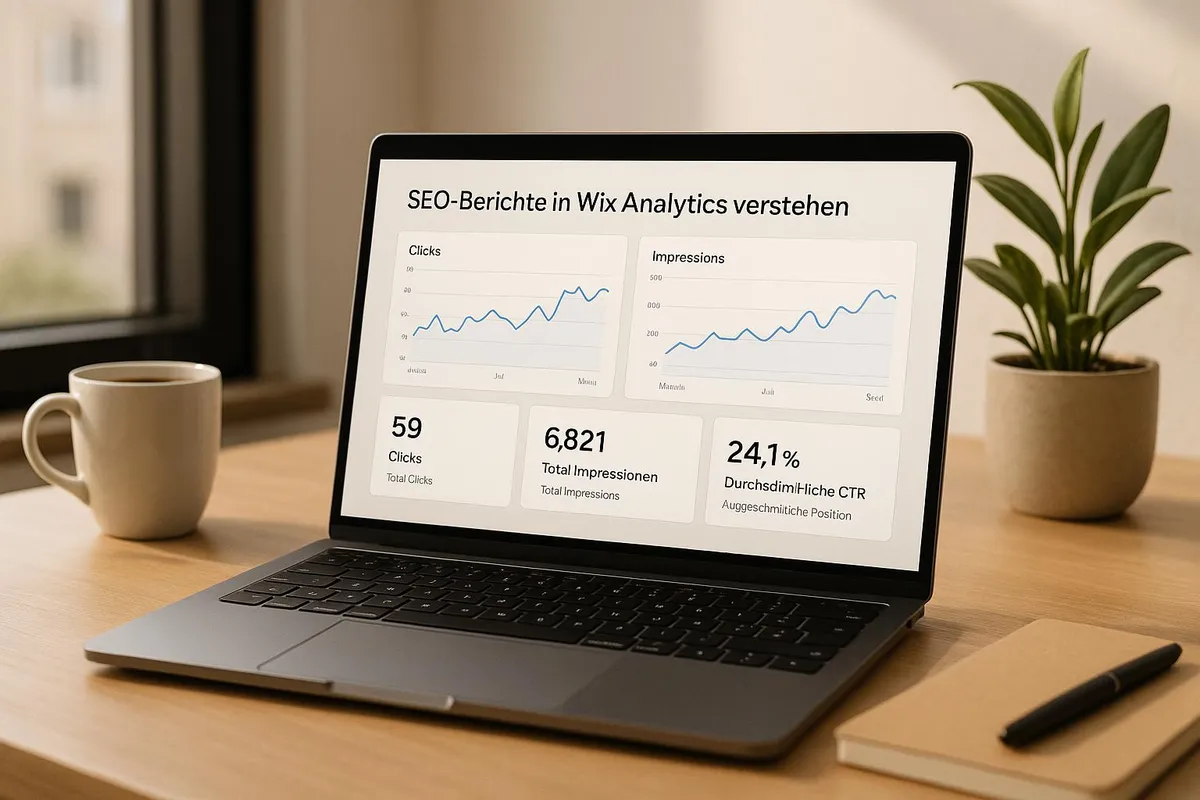
Use the advanced analysis features to analyse data such as ranking, click-through rate (CTR), and impressions. Analyse search patterns that are typical for voice searches. Key metrics to monitor: The average position in search results. The CTR for Featured Snippets.
Impressions for longer, more complex search queries. This information forms the basis for further analyses in Google Analytics.
Voice Search Analytics
Keep an eye on key metrics such as session duration, bounce rate, and mobile traffic. For effective tracking, you can: Create custom segments for longer search queries.
Set up event tracking for interactions with FAQ content. Measure Mobile-First performance to identify weaknesses. With this data, you can make targeted optimisations.
Improvements Based on Data
The collected data should flow directly into optimisation measures, both short-term and long-term: Short-term adjustments: Optimise meta data when CTR is low.
Fix slow loading of mobile pages. Expand FAQ content based on frequently asked questions. Long-term strategies: Develop a content roadmap for future content. Plan technical improvements to enhance the user experience. Set KPI benchmarks for voice search performance.
Set your priorities where the potential for improvement is greatest, and pay particular attention to optimising the mobile user experience.
Conclusion
Key Steps at a Glance
To successfully optimise a Wix shop for voice search, three main areas should be the focus: technical setup, keyword strategy, and content optimisation. Mobile optimisation is particularly important, as many users do not return after a poor experience.
Here are the central measures: Create technical prerequisites: Integrate Schema Markup and ensure Mobile-First optimisation. Use natural language: Design product descriptions and FAQ sections to match users' speech habits. Monitor performance: Carry out regular analysis and data-based adjustments.
With these steps, you create a solid foundation. For professional implementation, you can turn to experts like Welle West Webdesign. This will strengthen your voice search strategy in a targeted way.
Services from Welle West Webdesign
Welle West Webdesign, one of the leading Wix agencies in Austria, offers tailored solutions for Voice Search SEO.
From a starting price of EUR 4,200, you benefit from comprehensive support: "We create unique and appealing websites that present your business in the best light." - Welle West Webdesign. The services offered include: SEO-optimised structures to maximise the visibility of your shop.
Technical implementation of all relevant voice search elements. Ongoing support to ensure the best possible performance. At a time when 80% of buyers research online before making a purchase, an optimised voice search presence can make the crucial difference. With professional support, you can fully harness the potential of voice search for your online shop.