Geolocation with Wix: How It Works
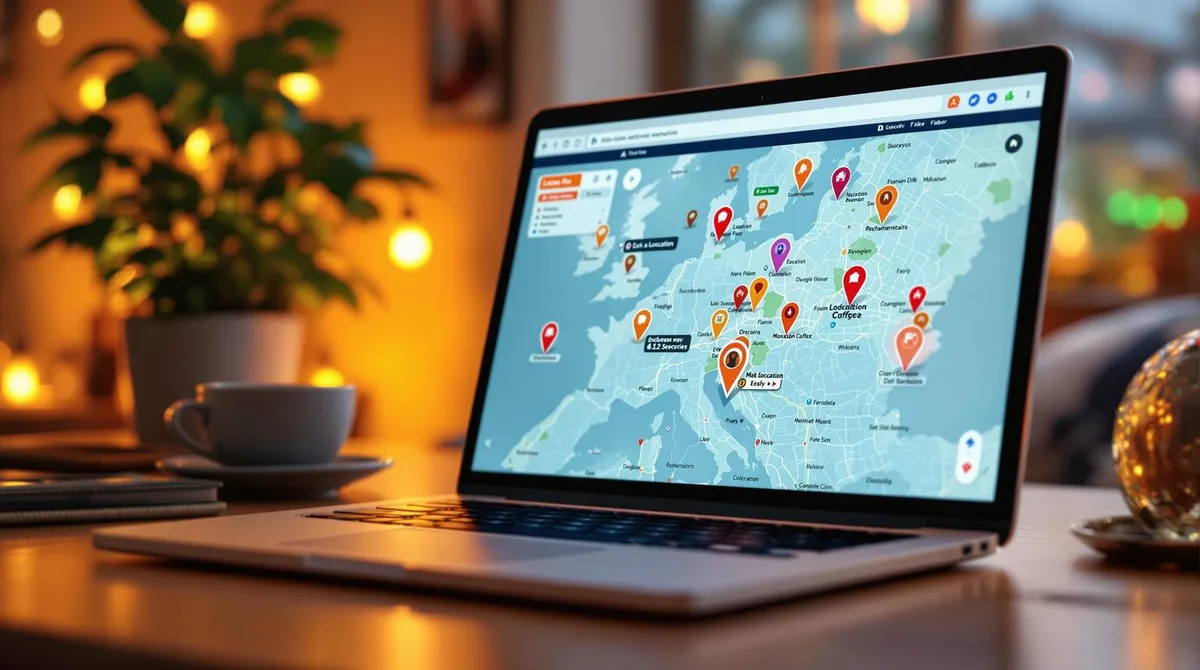
With geolocation, you can adapt your Wix website to your visitors' location – from language and currency to location-specific offers. This improves the user experience and helps you deliver targeted content. Here are the key points: Benefits: Content adapted to local language, currency, and regional preferences.
Requirements: Wix Premium plan with geolocation functionality and developer mode enabled. Setup:
Enable Developer Mode
, use location data and dynamically adapt content such as banners, pop-ups, or prices. Advanced features: With Wix Velo, you can programme complex location-based features.
Data protection: Ensure GDPR-compliant user consent and update the privacy policy. With these steps, you create a personalised and legally secure website.
Before You Start
Before setting up geolocation on your Wix website, make sure your Wix Premium plan supports the required features.
Here you will learn which plan features are needed and how to enable developer mode. Required Wix Plan Features To use geolocation on your website, you need a Wix Premium plan that supports this functionality. Check your account or the Wix website to ensure your plan includes the appropriate features.
Enable Developer Mode Wix's developer mode provides access to advanced features, including the setup of location-based content. Here is how to enable it: Step 1: Open the Wix Editor for your website. Step 2: Go to the settings menu and select "Developer Tools".
Step 3: In the developer section, enable the "Geolocation Services" option. After activation, you can use the advanced settings to individually configure location-based content.
Setting Up Geolocation in Wix
Wix does not provide a direct step-by-step guide for configuring geolocation.
To use advanced features, you must first enable developer mode. Then, check your regional settings in the Wix dashboard, including language, currency, date format, and units of measurement. Adjust the basic settings and access permissions to target content at different visitor groups.
It is important to test your configuration in different browsers and on mobile devices to ensure that location-specific content is displayed correctly. Detailed information can be found in the official Wix help centre or at Welle West Webdesign, a leading Wix service partner in Austria.
Creating Location-Based Content
Design Elements for Specific Locations
Adapt your content specifically to your users' location. Use location-related design elements such as banners, pop-ups, or content blocks to provide information and offers for different regions. Here are some examples of how you can customise these elements: Element Customisation Options Application Examples Banners Language, currency, offers Local promotions or discounts Pop-ups Opening hours, contact details Important location-specific information Product prices Currency, taxes Automatic price adjustments Contact forms Dialling codes, address formats Customised address input fields To make such adjustments, you can use the "Dynamic Content" feature in the Wix Editor.
Also add fallback content in case no location data is available. These measures perfectly complement your geolocation features and ensure a better user experience. For more complex customisations, you can use Wix Velo.
Advanced Features with Wix Velo
With Wix Velo (formerly Wix Code), you can create more sophisticated location-based features.
Here is an example of how to query a user's location: With Wix Velo, you can: Dynamically calculate prices based on location Automatically adjust the website language Optimise SEO for specific regions Redirect users to location-specific pages To improve loading times, you should cache location data. Test your location-based features with VPN connections from different regions to ensure everything works smoothly.
Data Protection Requirements
When creating content based on location data, you must observe certain data protection regulations.
Location data falls under the GDPR and requires special care.
Guidelines for Obtaining User Consent
To use location data, user consent is required. Here are measures that can strengthen user trust: Requirement Implementation on Wix Clear information Pop-up banner with understandable explanation Active consent Opt-in checkbox Withdrawal option Settings in the footer Logging Storage of consent in the backend Ensure the consent text is clearly formulated.
It should include the purpose of data use, the type of data, the storage duration, and the option to withdraw consent. GDPR Compliance Update your privacy policy accordingly and implement technical security measures. These include: Data encryption Regular data deletion Access restrictions Also maintain a record of data processing.
Important: Geolocation should be disabled by default and only activated after explicit consent.
Conclusion
Summary
Geolocation requires thoughtful planning and precise implementation. The key success factors are: Technical foundations: Correctly configured systems and settings Content: Locally tailored designs and texts Data protection: Implementation in compliance with the GDPR Performance: Regular optimisation for better results These elements form the foundation for a successful, location-based website.
According to studies, 88% of users do not return after a bad experience. With a careful geolocation implementation, you improve the user experience and create a balance between personalised content and data protection.
About Welle West Webdesign
Welle West Webdesign is your reliable Wix agency in Villach, near the Slovenian and Italian border, and supports you with the implementation of GDPR-compliant, location-based web solutions.
"We create unique and appealing websites that showcase your business in the best light." The team brings both technical expertise and experience in the privacy-compliant integration of geolocation features – an ideal partner for businesses in Carinthia.